FractalMax

Inside Business OS

Run the Work Behind Your Business With More Clarity. Business OS helps founders organize, manage, and develop their business. Explore what’s inside the Business OS.

BETA PHASE — Beta access is limited to 50 participants through the private Discord group on a first-come, first-served basis. Joining the waitlist does not guarantee access. See the FAQ at the end of the page for more details and terms.

Made for Notion
Business OS

From Scattered Work to One Clear System

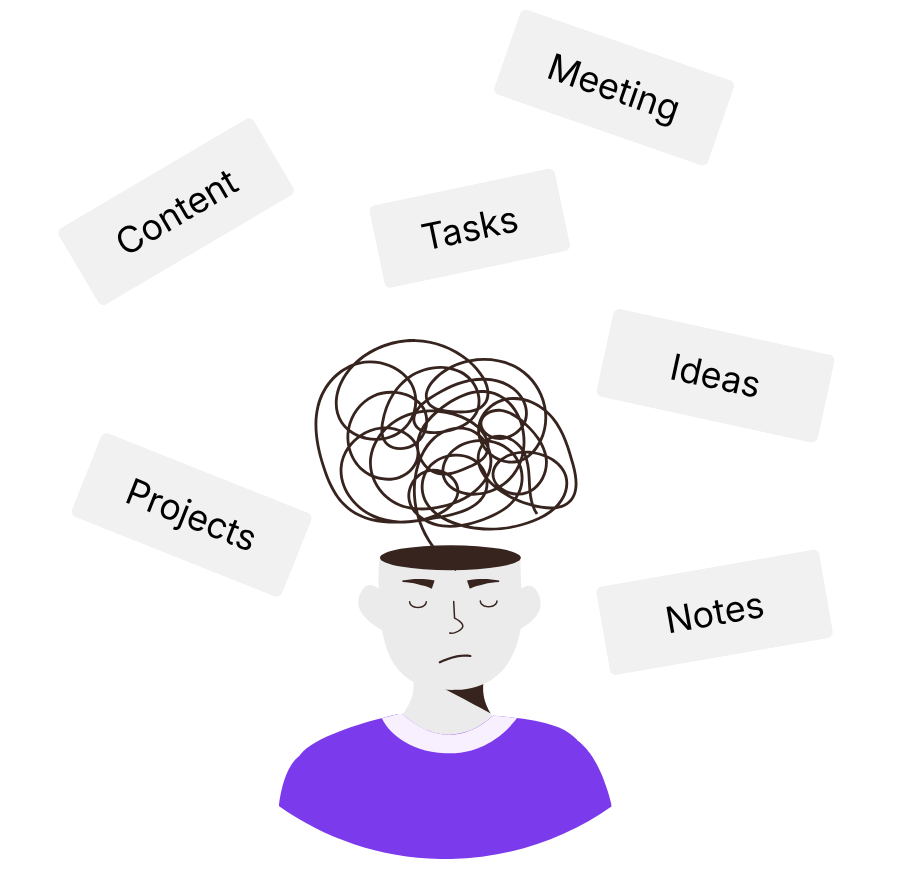
When the work behind your business is scattered, everything feels heavier. Business OS brings it into one clearer system.

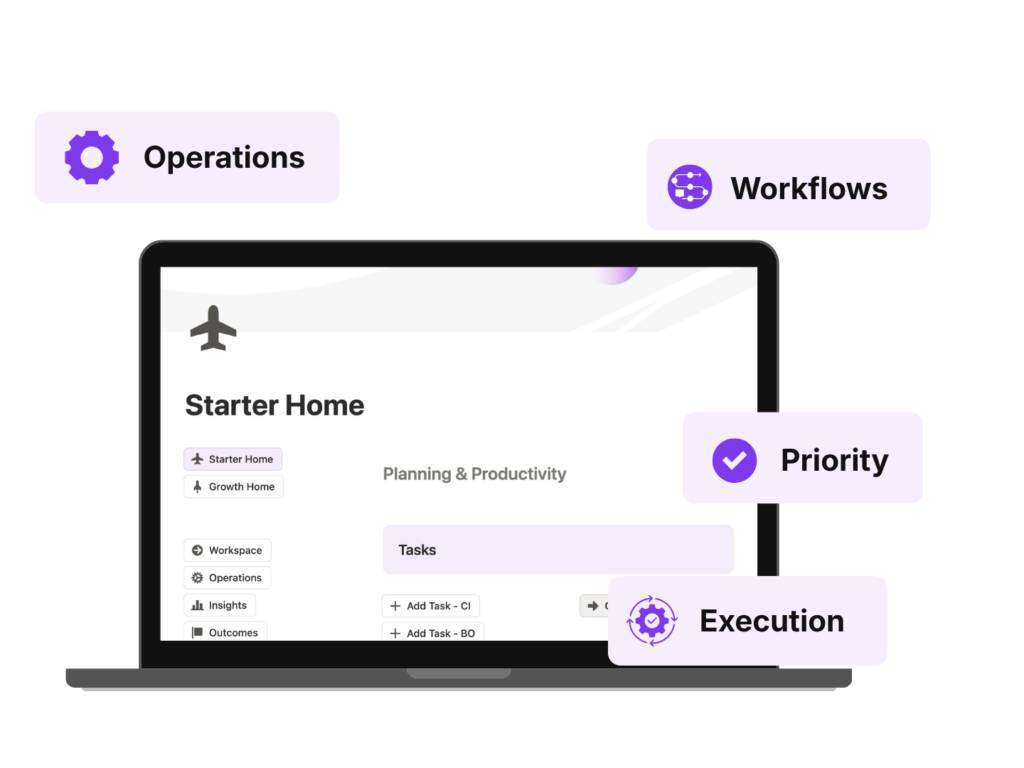
Meet Business OS

A business operating system made for Notion.

Built for the Work Behind Your Business

Business OS helps you organize and manage your business through a clearer operational structure, bringing client work and your own business operations into one intentional system.

Work with more clarity
Know what matters and what to do next.

Reduce overwhelm
Replace scattered tools and disconnected workflows.

Build on a stronger foundation
Start from a system designed to support how you work.


CI-BO Framework

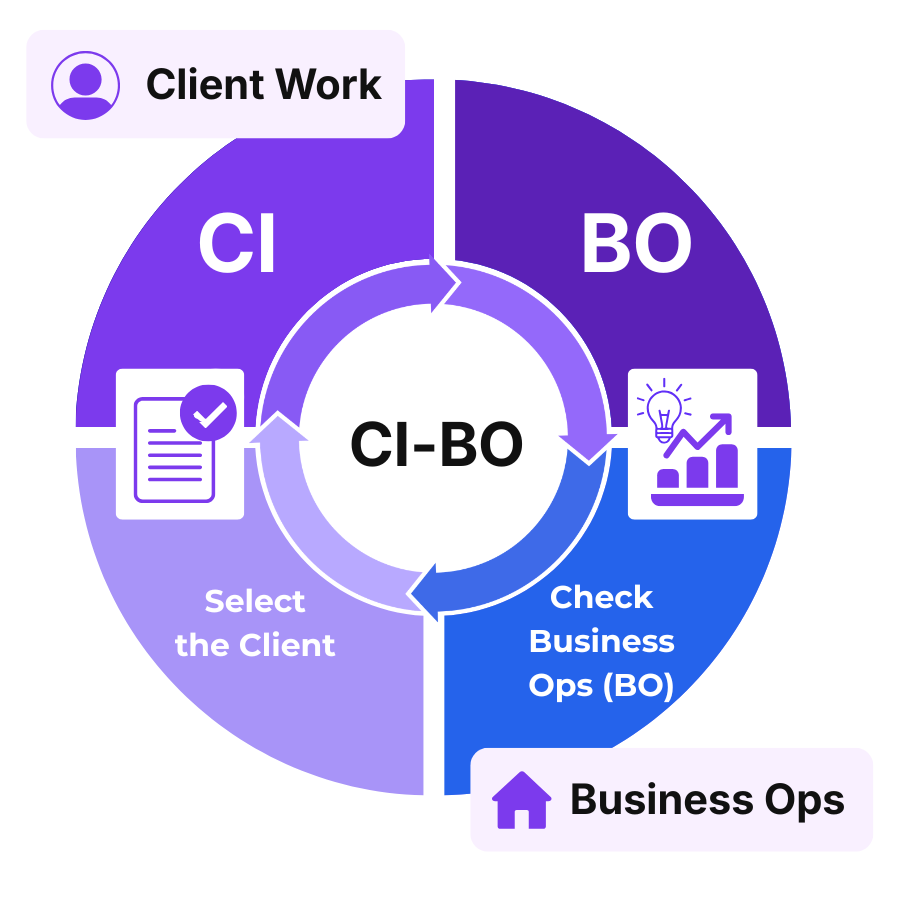
Built on the CI-BO Framework, Business OS helps you manage client work and your own business operations in one structured place.


 

What Business OS Helps You Manage

Lead Pipeline

Track potential clients and opportunities.

Clients

Keep client details, work, and context connected.

Projects

Manage client work and your own business projects.

Tasks & Events

Manage tasks, calls, meetings, and events in one place.

Content & Assets

Organize content, assets, and related materials.

Content Calendar

Plan, schedule, and review your content more clearly.

Campaigns

Track campaigns across client and business work.

Portal Tracker

Set up, track, and manage client portals.

Invoice Tracker

Track invoice entries and payment progress.

Business Costs

Track business one-time expenses and subscriptions.

Directory

Keep contacts, companies, and reference details organized.

Templates & Resources

Keep reusable resources and templates easy to access.

Daily Notes

Capture day-to-day notes, updates, and working context.

Idea Vault

Capture and organize ideas worth revisiting.


Revenue Insights

Review revenue-related data with more visibility (Growth).

Time Log

Track time at a project or task level (Growth).

The Heart of Your Business OS

CI-BO Framework - Business OS

The CI-BO Framework

The CI-BO framework separates client work from your own business operations, while keeping everything inside one connected workspace.

Instead of mixing tasks together, each entry is clearly placed into the right context from the start.

One System. Two Contexts

Client Internal (CI)
Used for work directly tied to a specific client.

Business Ops (BO)
Used for activities related to running your own business.

Designed to Evolve With Your Business

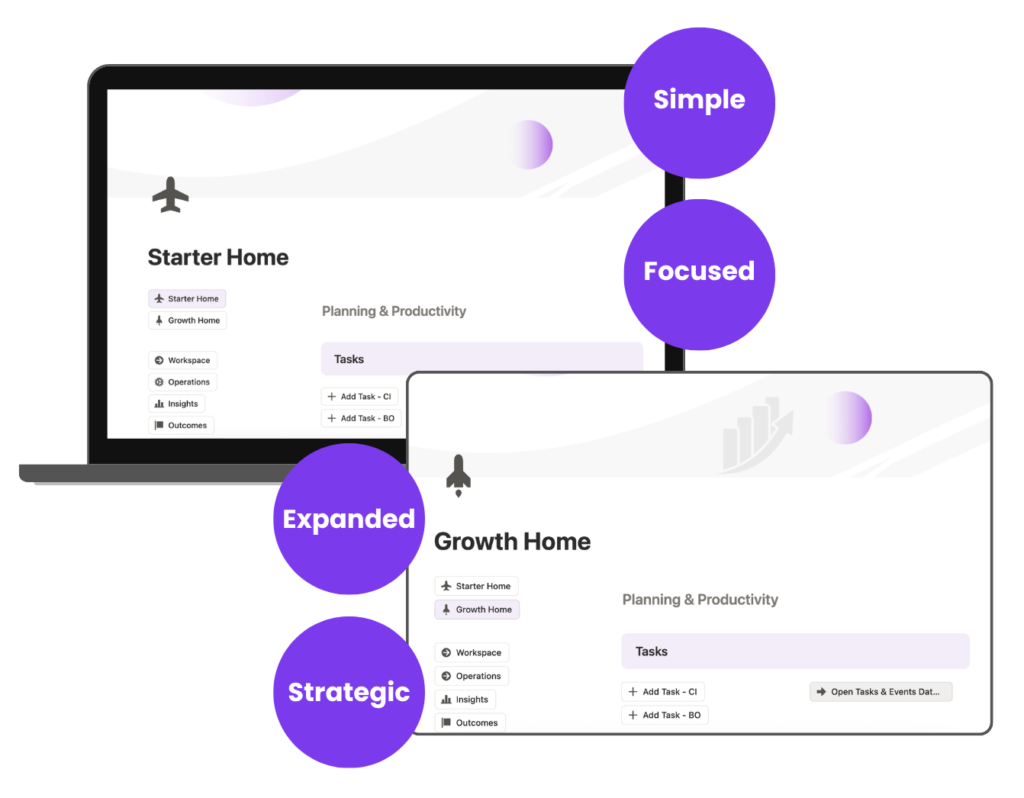
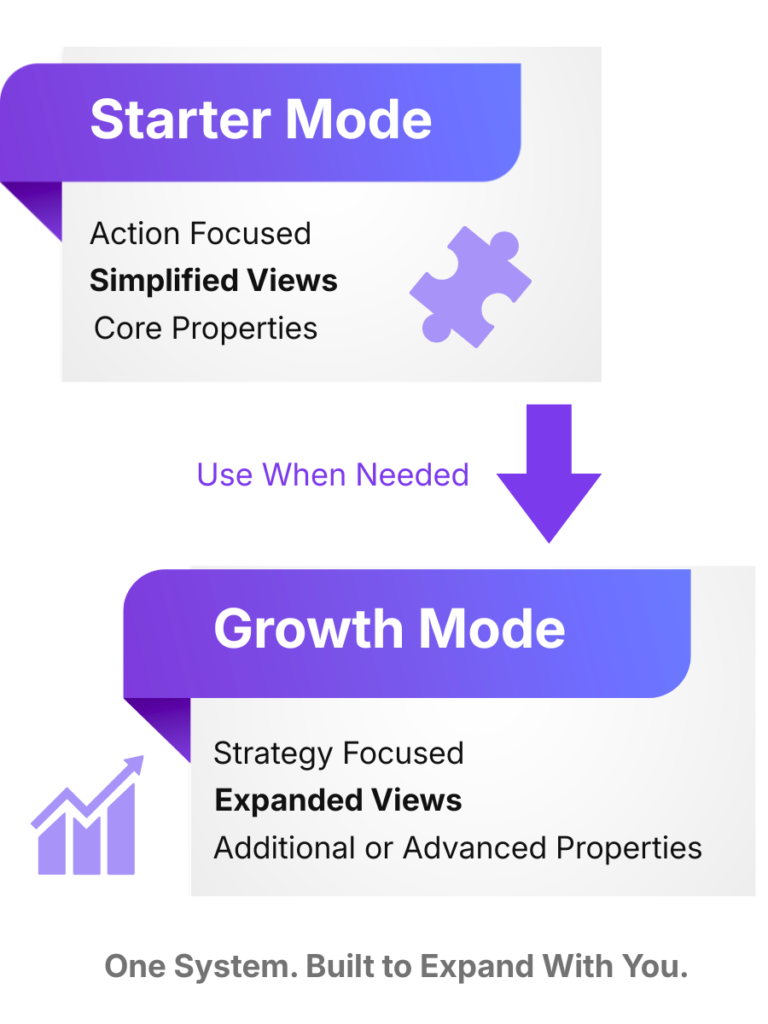
Through Starter and Growth Mode, Business OS supports your business at different stages of growth. It can be used in a simpler way at first, then expanded as your business needs more depth. Mode refers to how the system is used.

One System. Two Working Modes

Built-In Checks and Statuses Across the System

Business OS includes built-in checks and statuses throughout the system to support review, increase visibility into your workflow, and help you work with greater awareness of what may need attention (based on your inputs). Some of these checks and statuses are used only in Growth Mode. Here are some of them:

CI-BO Check

Displays whether an entry is client-related work or business ops (all CI-BO databases).

Follow-Up Status

Displays whether the next follow-up is missing, due today, overdue, or upcoming. (Lead Pipeline)

Follow-Up Rank

Displays whether the lead is closed, has no contact recorded, is getting cold, has gone stale, or remains active. (Lead Pipeline)

Rate/Fee Check

Displays whether the pricing structure is complete (Tasks & Events and Projects).

Pause Status

Pause Status displays paused entries that may need review and how long something has been paused (Projects and Tasks & Events).

Status Flag

Payment Status surfaces invoice entries that may need review and where the payment stands (Invoice Tracker).

Time Log Tracking Status

Display whether logged time is within, overestimated, or pending to help you adjust (Tasks & Events and Projects).

Time Log Tracking Source

Display whether the entry is logged at the project or task level to help you maintain consistency (Tasks & Events and Projects).

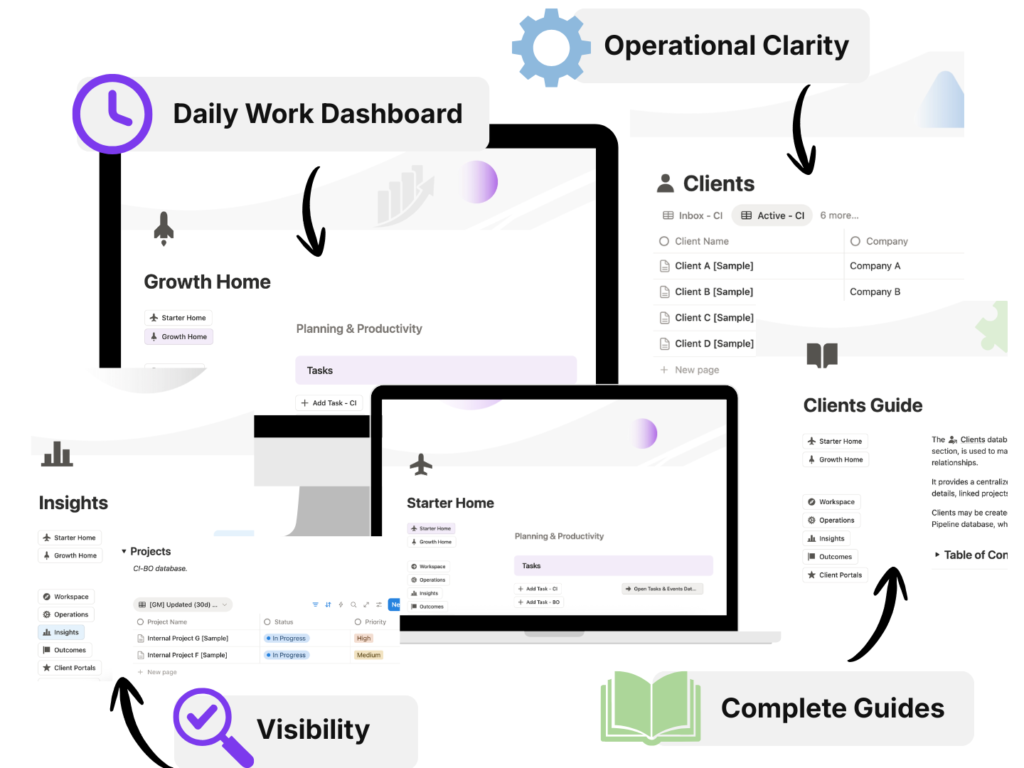
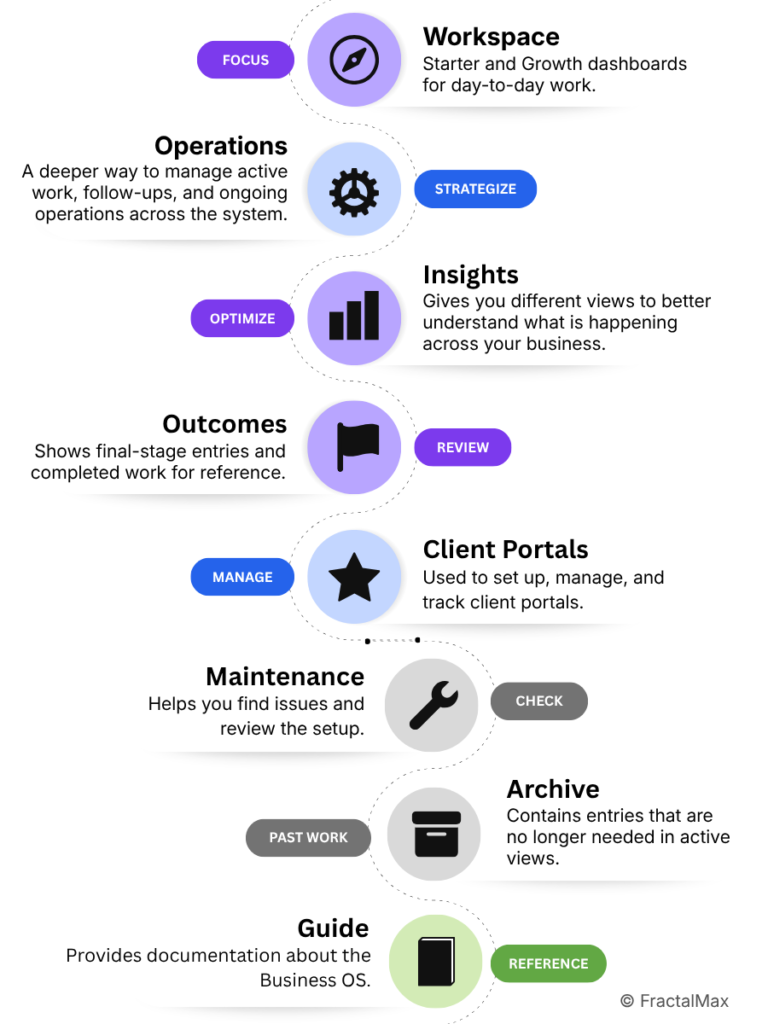
The Business OS Structure

Why This Structure Matters

Running a business involves different layers of work, and each one benefits from a clearer place in the system.

  • daily work stays easier to access
  • deeper operational work has its own space
  • supporting information stays visible without adding clutter
  • the system stays clearer as the business grows
Business OS Structure

A Few Numbers

Time of Building in Hours

1,200+

Number of Databases

16

Total Number of Views

1,000+

Number of Templates

30+

And 30+ Detailed Guides

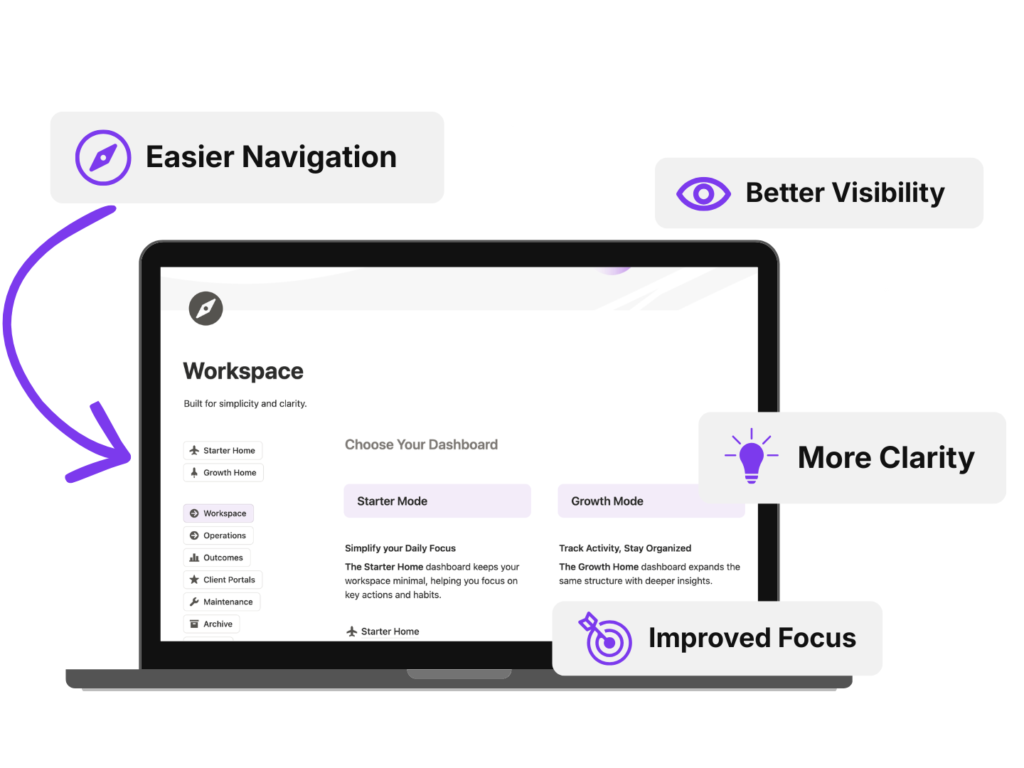
Turn Mental Noise Into Operational Clarity

CI-BO Framework

Unify Client Work and Business Operations

Starter & Growth Mode

Designed to Evolve as You Do

Operational Clarity

From Mental Tracking to Visible Structure

Workflow

Move Work Intentionally and Systematically

Gain Control

See the Full Picture of Your Work

Improved Focus

Reduce Friction. Support Deeper Focus.

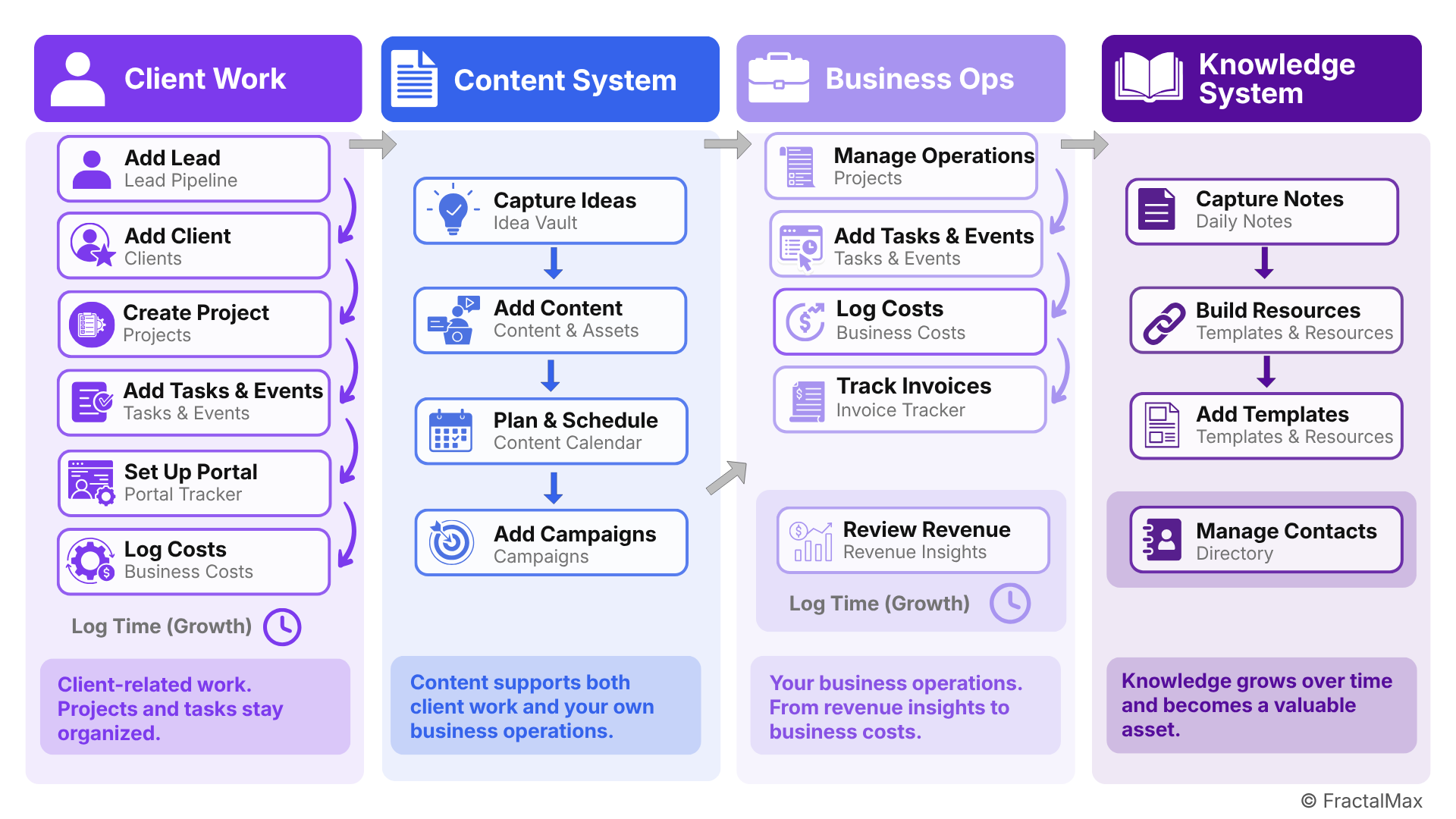
How Your Work Moves Through the System

Understand how tasks, content, and operations connect across your Business OS.

Business OS Workflow Map

The FractalMax Ecosystem

FractalMax has taken shape gradually over the years. While Business OS is the focus today, it is part of something broader that needed its own place beyond the agency. FractalMax.com was created to give that direction a clearer home, with room for what may come next.